
Last verified against official City of Philadelphia sources: July 2026
The Philadelphia Business Security Camera Program (BSCP) reimburses businesses up to 75% of the cost of exterior security cameras — capped at $3,000 per commercial property. Businesses located in one of nine targeted commercial corridors can receive up to 100%. To qualify, you must apply and receive written City approval before installation begins.
That’s the short answer. The rest of this guide covers what most summaries skip: exact eligibility rules, the full application checklist, the corridor list where cameras are effectively free, real cost examples, and the mistakes that get applications rejected.
Heads up: many older articles still cite “50% reimbursement.” That figure is outdated. As of 2026, the official City program page confirms up to 75% citywide and up to 100% in targeted corridors. Always verify against Business Security Camera Program page.
What Is the Business Security Camera Program?
The BSCP is a funding program run by the Philadelphia Department of Commerce. Its goal is simple: get more exterior cameras on commercial properties to increase safety for shoppers, residents, and employees — and give police access to more footage when crimes occur.
The program covers exterior cameras on commercial properties. It is not for interior cameras, residential-only properties, or systems installed before approval.
| Program at a glance | Details |
|---|---|
| Who runs it | Philadelphia Department of Commerce |
| What’s covered | Exterior security cameras on commercial properties |
| Citywide funding | Up to 75% of eligible costs, max $3,000 per property |
| Targeted corridor funding | Up to 100% of eligible costs |
| Key condition | Written approval required before work begins |
| Extra requirement | Cameras must be registered with Philadelphia Police SafeCam |
| Contact | BSCP@phila.gov · (215) 683-2047 · 1515 Arch St, 12th floor |
Who Is Eligible?
Citywide funding (up to 75%)
Any Philadelphia business can apply if it meets three requirements:
- Property rights. You own the building — or you rent it and have written approval from the property owner.
- Registered and licensed. Your business holds an active Commercial Activity License with the City of Philadelphia.
- Tax compliance. You are current on all City taxes.
Renters are explicitly eligible — this surprises many business owners. You’ll simply need a permission letter from your landlord as part of the application.
Targeted corridor funding (up to 100%)
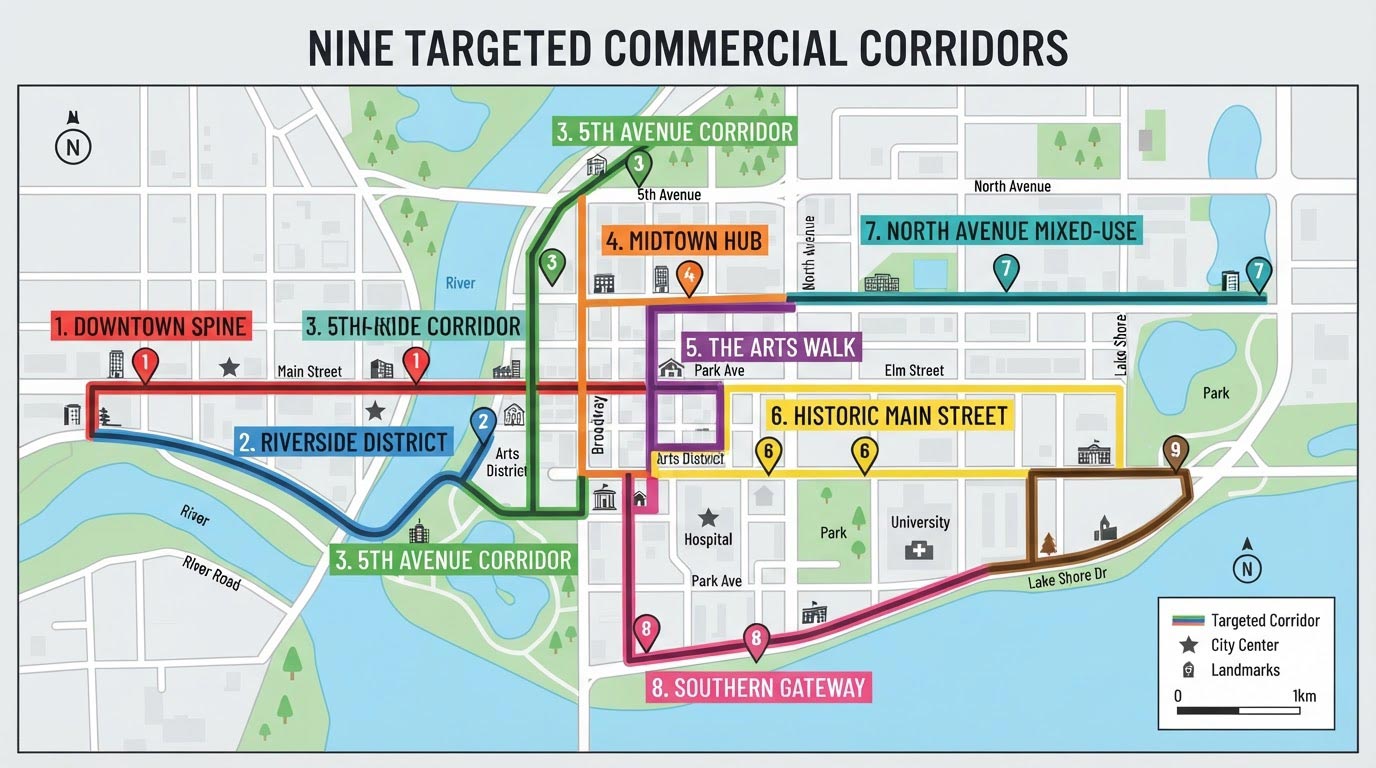
Businesses on eligible blocks within nine designated commercial corridors — areas experiencing higher crime levels — can have their exterior camera project fully covered. The corridors are:
| Corridor | Boundaries |
|---|---|
| 52nd Street | Lancaster Ave to Baltimore Ave |
| Broad, Germantown & Erie | Intersection area |
| Frankford Avenue | Adams Ave to Bridge St |
| Lancaster Avenue | 4000 block to 4800 block |
| South 9th Street | Passyunk Ave to Catherine St |
| Hunting Park Avenue | American St to 9th St |
| Wyoming Avenue | 5th St to Castor Ave |
| North 5th Street | Pike St to Roosevelt Blvd |
| Rising Sun Avenue | 4600 block to 4900 block |
Corridor applicants must meet all citywide requirements plus two more: the property must sit on an eligible block (the City publishes the exact block list), and the installation must be performed by a contractor from the City’s approved list.
How to Apply: Step by Step
Step 1 — Gather your documents. You will need:
- Photos showing where each camera would be located
- At least one photo showing the entire front façade of your building
- At least one written estimate from a licensed contractor (the City recommends getting a second)
- If you rent: a letter from the building owner granting permission for the work
Step 2 — Submit the online application. Applications go through the City’s online form (Formstack), linked from the official program page. There is no fee to apply.
Step 3 — Wait for written approval. The Commerce Department reviews your application and sends an approval letter stating your award amount. Do not begin installation before receiving this letter — work started early is not reimbursed. This is the single most common and most expensive mistake.
Step 4 — Install the cameras. Complete the project as described in your approved application, using your chosen licensed contractor (or an approved contractor, if you’re in a targeted corridor).
Step 5 — Register with SafeCam. Program participants must register their cameras with the Philadelphia Police Department’s SafeCam system. Registration takes a few minutes and does not give police direct access to your cameras or footage — it simply lets them contact you if a nearby incident occurs.
Step-by-step: How to register your cameras with SafeCam. Not sure how the two programs differ? See BSCP vs SafeCam.
Step 6 — Submit for reimbursement. Provide your final invoices and documentation to receive your award.
What Does It Mean in Dollars? Three Real-World Examples
Here’s how the math works for typical Philadelphia commercial installations. Prices reflect professionally installed exterior systems; your exact quote depends on camera count, resolution, and cable routing.
How much business security cameras cost in Philadelphia.
| Scenario | System cost | Location | Reimbursement | Your net cost |
|---|---|---|---|---|
| Corner store, 4 exterior cameras | $1,620 | Citywide | 75% = $1,215 | $405 |
| Restaurant, 8 exterior cameras | $3,260 | Citywide | 75% = $2,445 (under the $3,000 cap) | $815 |
| Storefront, 4 exterior cameras | $1.620 | Targeted corridor | up to 100% of eligible costs | $0 |
Note how the cap works: reimbursement is a percentage of eligible costs, but never more than $3,000 per single commercial property. A $6,000 project citywide would receive the full $3,000 cap (not $4,500).
Common Mistakes That Cost Businesses Money
- Starting work before approval. The program does not reimburse retroactively for installations begun before the approval letter arrives.
- Submitting one estimate with vague scope. Estimates that don’t itemize camera locations and equipment slow down review. A clear, itemized estimate — with camera positions matching your photos — moves faster.
- Ignoring the corridor list. Businesses a block away from a corridor boundary sometimes assume they qualify for 100%. Check the official block list before planning your budget.
- Forgetting SafeCam registration. It’s a program requirement, not an option.
- Falling behind on City taxes. Applications are checked against tax compliance. Resolve any outstanding balance first.
How TeamTech Security Fits In
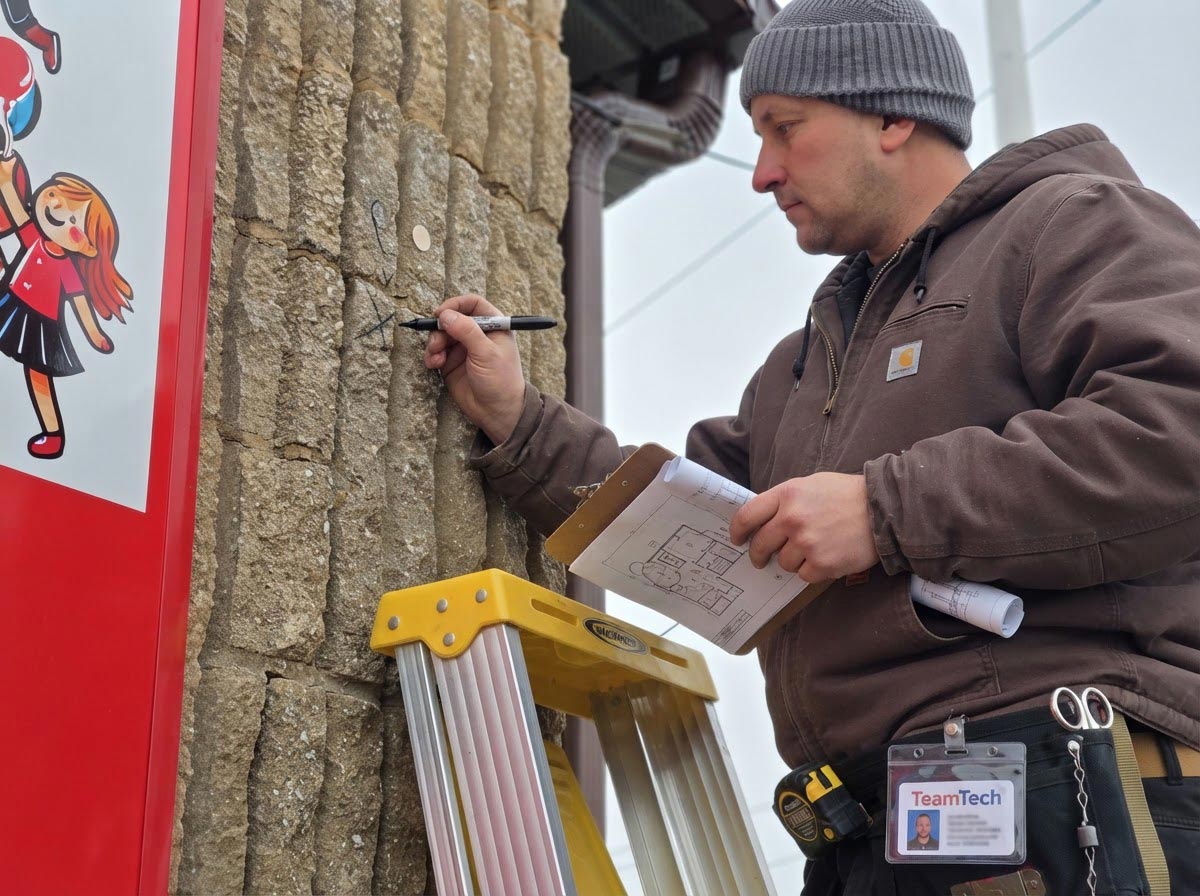
TeamTech Security installs commercial camera systems across Philadelphia — and we prepare BSCP-ready estimates as part of every commercial quote: itemized equipment and labor, camera positions mapped to photos, and scope written the way the Commerce Department reviews it. We’re familiar with the documentation the program expects, which means fewer back-and-forth rounds and a faster approval.
If your property is in a targeted corridor, we’ll flag it during the free site survey so you can plan for up to 100% coverage.
Wondering whether to DIY? BSCP requires a licensed contractor: DIY vs professional installation.
Ready to see what your project would cost after reimbursement? — we’ll assess your property, prepare a BSCP-compliant estimate, and walk you through the application.
FAQ
How much does the Philadelphia Business Security Camera Program pay?
Up to 75% of eligible exterior camera costs citywide, capped at $3,000 per single commercial property. Businesses on eligible blocks in nine targeted commercial corridors can receive up to 100% of eligible costs.
Can renters apply, or only property owners?
Renters can apply. You’ll need a letter from the building owner granting permission for the camera installation, submitted with your application.
Can I install cameras first and apply afterward?
No. The City requires written approval before work begins. Installations started before approval are not eligible for reimbursement.
Does the program cover interior cameras?
No. The BSCP covers exterior cameras on commercial properties. Interior coverage can still make sense for your business — it’s just funded out of pocket.
Do police get access to my cameras through SafeCam?
No. SafeCam registration tells police that cameras exist at your address so they can contact you to request footage after an incident. Nobody gets direct or live access to your cameras or recordings.
What if my project costs more than $4,000?
Reimbursement is capped at $3,000 per property. Because 75% of $4,000 is exactly $3,000, a $4,000 citywide project already reaches the cap; a $6,000 project is also reimbursed $3,000, not $4,500. Everything above the cap is your cost. Also change the question to: “What if my project costs $4,000 or more?”
Do I have to use a specific contractor?
Citywide applicants can use any licensed contractor. Targeted corridor applicants (the 100% tier) must hire from the City’s approved contractor list.
How long does approval take?
The City doesn’t publish a fixed timeline. In practice, complete applications — clear photos, itemized estimate, owner permission letter if renting — move fastest. Missing documents are the main cause of delays.
Who do I contact with questions about the program?
The Department of Commerce: BSCP@phila.gov or (215) 683-2047. Office: 1515 Arch St, 12th floor, Philadelphia, PA 19102.